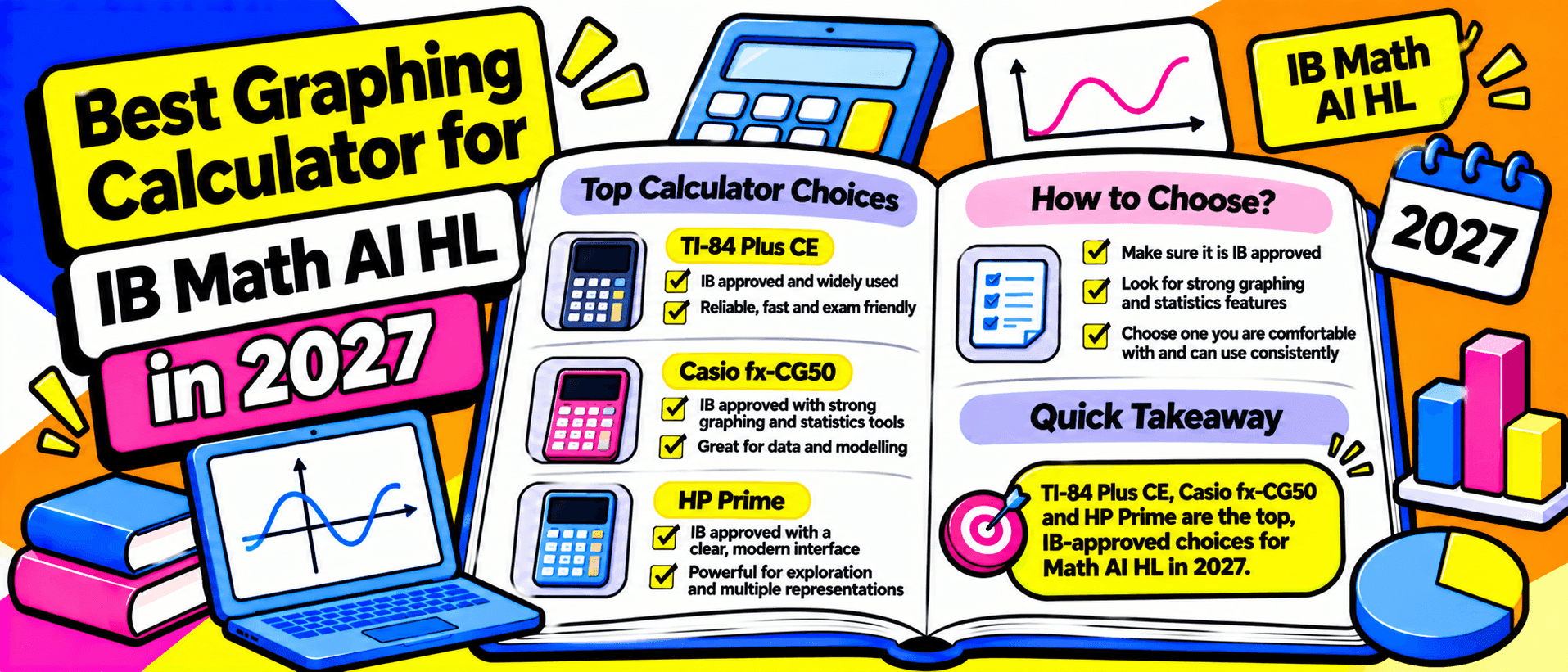
A school supply list recommends the TI-Nspire CX II, but the price makes you hesitate. Meanwhile, students online suggest that a Casio graphing calculator can handle the same IB Mathematics: Applications and Interpretation Higher Level questions. Which should you buy?
The best calculator for IB Math AI HL is not automatically the most expensive one. It is a graphing display calculator (GDC) that meets examination requirements, handles the course's mathematics and feels familiar enough to use accurately under time pressure. For many students, the TI-Nspire CX II, Casio fx-CG50 and newer Casio fx-CG100 are practical candidates.
This question appeared in an August 2026 r/IBO discussion, where an incoming AI HL student questioned whether a school-recommended TI was worth its higher price. Here is a comparison based on published features and the latest available examination guidance, not an assumption that every calculator works identically.
What Does IB Math AI HL Require From a Calculator?
Math AI HL places considerable emphasis on statistics, modelling, probability, functions and the interpretation of technology-generated results. The IB mathematics subject guide specifies access to a GDC for all three HL examination papers under the syllabus assessed through 2028.
A good calculator should let you enter statistical lists, calculate regressions, display scatterplots, examine probability distributions, graph functions, solve equations numerically and work through finance problems. Speed matters, but so does knowing how to interpret and communicate the result. A correct calculator output is not necessarily sufficient working for full marks.
If you are taking the examinations in 2027, use the assessment guidance for that session. Students starting the Diploma Programme in 2027 may instead be preparing for first assessment in 2029, when revised mathematics courses take effect. The model choice still matters, but your school should verify the applicable syllabus and examination rules.
IB Calculator Policy: Check This Before You Buy
The IB's official calculator policy, updated 19 February 2026, says that not every program or application is suitable for examinations. Its detailed approved-calculator guidance is available to schools through the Programme Resource Centre. A manufacturer's compatibility claim does not replace your coordinator's confirmation for the actual examination session.
Texas Instruments lists the TI-Nspire CX II for IB examinations and requires Press-to-Test configuration. It also lists the separate TI-Nspire CX II CAS, but states that its computer algebra system must be disabled. Do not mistake the CAS and non-CAS editions for the same purchase.
Casio states that the fx-CG50 and fx-CG100 are permitted for IB Diploma examinations when placed in their dedicated IB Examination Mode. Its 2026 exam guide explains that this mode restricts stored information and some applications. In particular, 3D graphing and vector functions are unavailable in IB mode on these models. Check the calculator's operating-system version and ask how your school activates and verifies the correct mode.
The key distinction is exam eligibility under specific conditions, not a blanket promise of approval for every firmware version or future session.
TI-Nspire CX II vs Casio fx-CG50 vs Casio fx-CG100
| Consideration | TI-Nspire CX II, non-CAS | Casio fx-CG50 | Casio fx-CG100 |
|---|---|---|---|
| Interface | Touchpad and document-style apps | Icon menu and function keys | Updated ClassWiz-style menus and tabs |
| Graphing | Colour graphs, linked representations, numerical tools | Colour graphs, tables and numerical tools | Colour graphs, revised graph-and-table navigation |
| Statistics | Lists, plots, regression and distributions | Lists, plots, regression and distributions | Lists, plots, regression and distributions |
| Finance | Built-in Finance Solver | Financial calculation application | Financial calculation application |
| Power | Rechargeable battery | Four AAA batteries | Four AAA batteries |
| Exam preparation | Press-to-Test, with school-verified settings | Dedicated IB Examination Mode | Dedicated IB Examination Mode |
The three models cover the main graphing and statistical workflows, but they do not share identical commands, screen layouts or restrictions. Source details: TI specifications, Casio fx-CG50 and Casio fx-CG100.
TI-Nspire CX II: Best When Your School Teaches With It
The non-CAS TI-Nspire CX II combines calculator, graphing, geometry, lists and spreadsheet-style work in a document-oriented interface. You can move between mathematical representations and save work in documents for classroom learning. Its touchpad navigation will feel relatively familiar to students comfortable with computer menus, though it takes practice to use quickly.
For AI HL statistics, TI provides regression models, statistical plots, probability distributions and hypothesis-testing tools. Its Finance Solver also handles time value of money questions, including payment and interest calculations.
The strongest reason to choose it is often teaching support. If your teacher demonstrates every example on a TI and classmates use the same model, troubleshooting is easier. Buying one solely because it looks more advanced may offer little benefit if you cannot navigate it confidently.
Casio fx-CG50: A Strong Value Option
The Casio fx-CG50 has a colour display, graphing and table tools, one-variable and two-variable statistics, regression models, probability distributions and financial calculations. Those are substantial capabilities for AI HL, not merely basic scientific-calculator functions.
Its dedicated icons and function keys can make frequently used commands relatively direct once learned. Casio also supplies fx-CG50 learning guides for graphs, statistics and other operations. Students switching from TI instruction will, however, need to translate classroom demonstrations into Casio menu sequences.
Casio has introduced the fx-CG100 as its newer flagship. That does not make an existing fx-CG50 unusable. A well-maintained CG50 that your school accepts and you know thoroughly can be a sensible purchase, especially when discounted or available second-hand.
Casio fx-CG100: The Newer Casio Alternative
The fx-CG100 retains the graphing, statistical and financial capabilities expected of a modern GDC while updating the interface. Casio describes a ClassWiz-inspired keypad, clearer menus, navigation tabs and a redesigned Graph and Table application. These may be particularly attractive if you already use a newer Casio scientific calculator.
Its official specifications include regression, probability distributions, numerical equation solving and a dedicated Financial application. Features such as Python and 3D graphing exist for learning, but availability outside exam mode is not evidence that you may use them in the IB exam.
If the price difference from the CG50 is modest and you are buying new, the CG100 is worth trying. It is not automatically the fastest choice for someone whose teacher teaches the CG50 interface, and updated navigation does not eliminate the need for exam preparation.
Which Calculator Handles AI HL Statistics and Finance Best?
For common statistical work, all three can produce plots, calculate regressions and work with probability distributions. The practical difference may be how many steps you need to enter data, select the right model and read the result. Try the same small dataset on each model, including a scatterplot and linear regression, before deciding.
For financial mathematics, test a compound-interest or loan-repayment problem. The TI-Nspire CX II includes a Finance Solver, while the Casio models provide financial applications. Check that you understand payment frequency, compounding frequency and the sign convention for money entering or leaving an account. Selecting the correct menu cannot compensate for entering the wrong assumptions.
In calculus and graphing, practise finding intersections, roots, turning points and numerical integrals. Pay attention to graph windows and units. These habits are more valuable than purchasing extra functions you rarely use.
Typical Prices and Value in 2026
Price comparisons need a location and date. As a November 2026 India reference, Casio lists official maximum retail prices of ₹13,995 for the fx-CG50 and ₹14,995 for the fx-CG100. Actual store discounts may make either cheaper.
The TI-Nspire CX II has no comparable India manufacturer list price in the sources checked. Two retail examples were ₹17,250 for a non-CAS CX II and ₹18,519 for a CX II-T. Availability, regional versions, warranties and bundles vary. Do not confuse the older TI-Nspire CX, CX II, CX II-T and CX II CAS when comparing listings.
For students elsewhere, prices can differ substantially because of taxes, distribution and school purchasing arrangements. Treat these figures as a snapshot, not a promise of 2027 pricing. Ask whether your school offers a loan calculator, a discounted group order or a reliable second-hand option before buying.
How to Choose a Calculator You Can Actually Use
A suitable GDC is one you can operate accurately under exam conditions. Ask your school for its exact supported model and examination-mode instructions. Then, if possible, borrow two candidates and complete the same tasks without a tutorial open beside you.
Check whether you can plot a function, find an intersection, enter paired statistical data, calculate regression coefficients, use a normal distribution and solve a finance problem. Time the workflow, but notice mistakes as well as speed. Consider battery charging, availability of replacement accessories, warranty and teacher support.
A calculator with an extensive feature list is poor value if you cannot find the relevant commands during a timed paper.
Calculator Selection Checklist for 2027
- I have confirmed the exact model and its eligibility with my DP coordinator.
- I know the correct IB exam mode or Press-to-Test settings and how to activate them.
- I can use statistics, regression, probability, graphing and finance tools confidently.
- My teacher or learning resources can support this calculator's interface.
- I have compared the complete price, warranty and accessories, not just the headline cost.
- I have practised on the same model I intend to take into the examination.
Final Verdict: Which Graphing Calculator Should You Buy?
Choose the TI-Nspire CX II non-CAS if your school teaches on it, the price is manageable and you value its linked documents and representations. Choose the Casio fx-CG50 if you want a capable, often less expensive GDC and can access Casio-specific learning support. Consider the Casio fx-CG100 when buying a new Casio and you prefer its newer interface for a reasonable additional cost.
None earns you marks by itself. The best calculator for IB Math AI HL is the permitted model you understand, can afford and have practised with consistently. Before paying, confirm the requirements for your actual 2027 examination session with your IB coordinator.
Table of contents
Share
Related reading
- IB Math AI HL Paper 3: Modelling and Graph Theory GuidePrepare for IB Math AI HL Paper 3 with graph theory and Markov chain examples, practical modelling methods, GDC guidance and evaluation tips. Read the guide.
- Best IB HL Subject Combinations for Medicine ApplicationsFind the best IB subjects for medicine with verified HL requirements at five UK medical schools. Compare Biology, Chemistry, Maths and UCAT before choosing.
- TOK Essay Titles May 2027: Choose Your Best ArgumentCompare the TOK essay titles May 2027 with an AOK decision matrix, argument tests and real examples. Learn how to choose and defend a strong essay title.